Know exactly what needs you
One inbox for everything that involves you, push notifications on your phone and in your browser, and nothing you didn't ask for.
crewdesks.com
iPhone screenshot: Lock screen notification
In the app, on your phone, in your browser
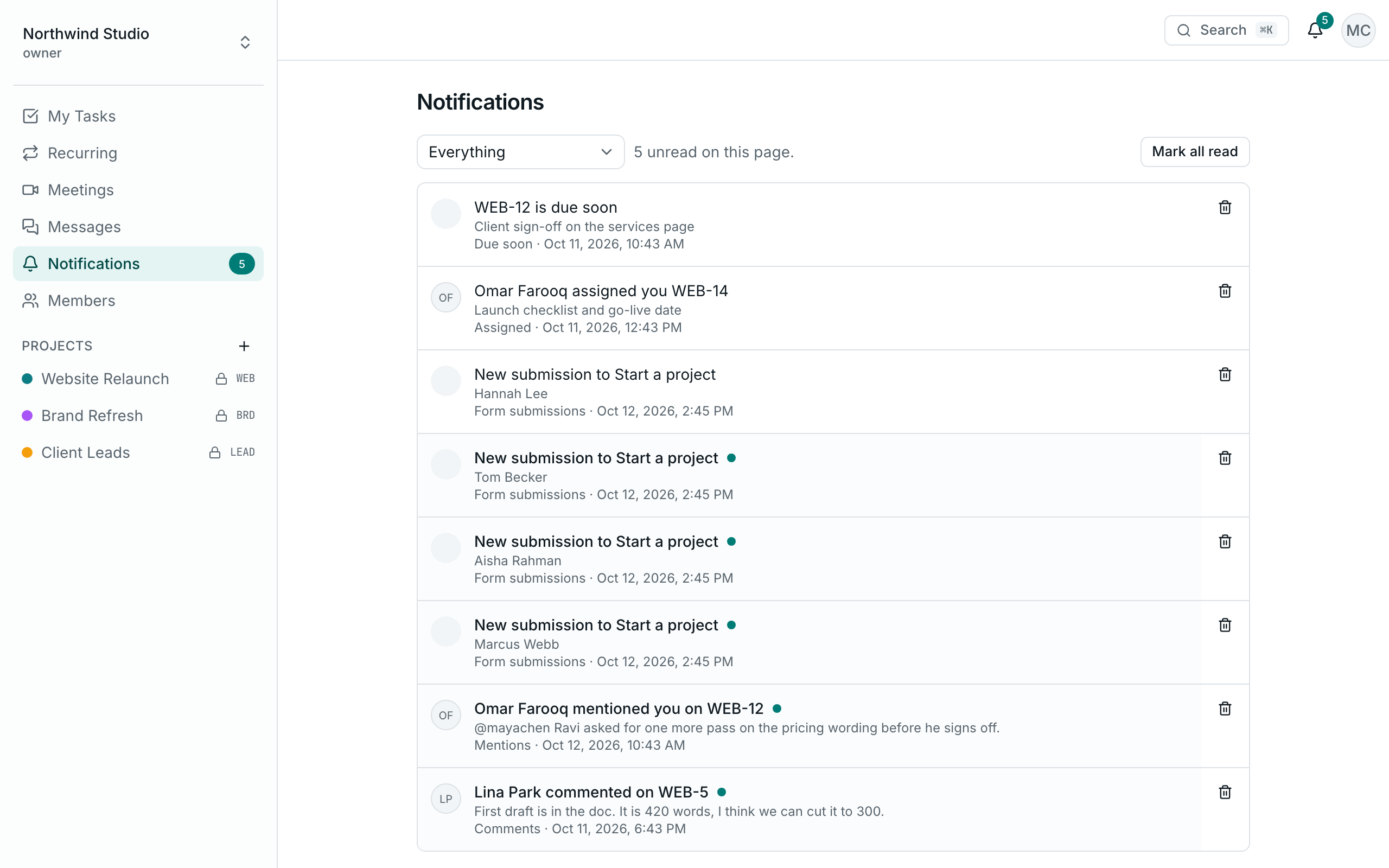
One inbox
Everything that involves you, newest first, in the web app and the mobile app. Mark one read, or all of them at once.
Push on your phone
Every kind of notification can reach your phone, subject to your switches. One tap opens the exact task or message.
Push in your browser
Direct messages, mentions and calls reach you on your computer, even with Crewdesk closed.
Exactly who gets notified, and when
You're never notified about your own actions, or about projects you can't see.
| When this happens | Who is told |
|---|---|
| A task is assigned | The person assigned |
| Someone comments on a task | The task's creator and its assignees |
| Someone writes @you | You, whether it's in a task or a message |
| A message is sent in a channel | The other members, as one summary per channel |
| A task is due | The people assigned, in a daily reminder |
| A meeting is scheduled | Everyone invited, then a reminder before it starts |
| A call starts | The members of that conversation |
| A website form is submitted | The workspace's owners and admins |
A switch for every kind
Turn off what you don't need, each one on its own: assignments, mentions, comments, direct messages, channel messages, due dates, form submissions, and calls and meetings.
iPhone screenshot: Notification settings
iPhone screenshot: Alerts inbox