Turn website visitors into tasks
Build a form, put it on any website, and every submission lands on your board as a task. No inbox in between, nothing to copy across.
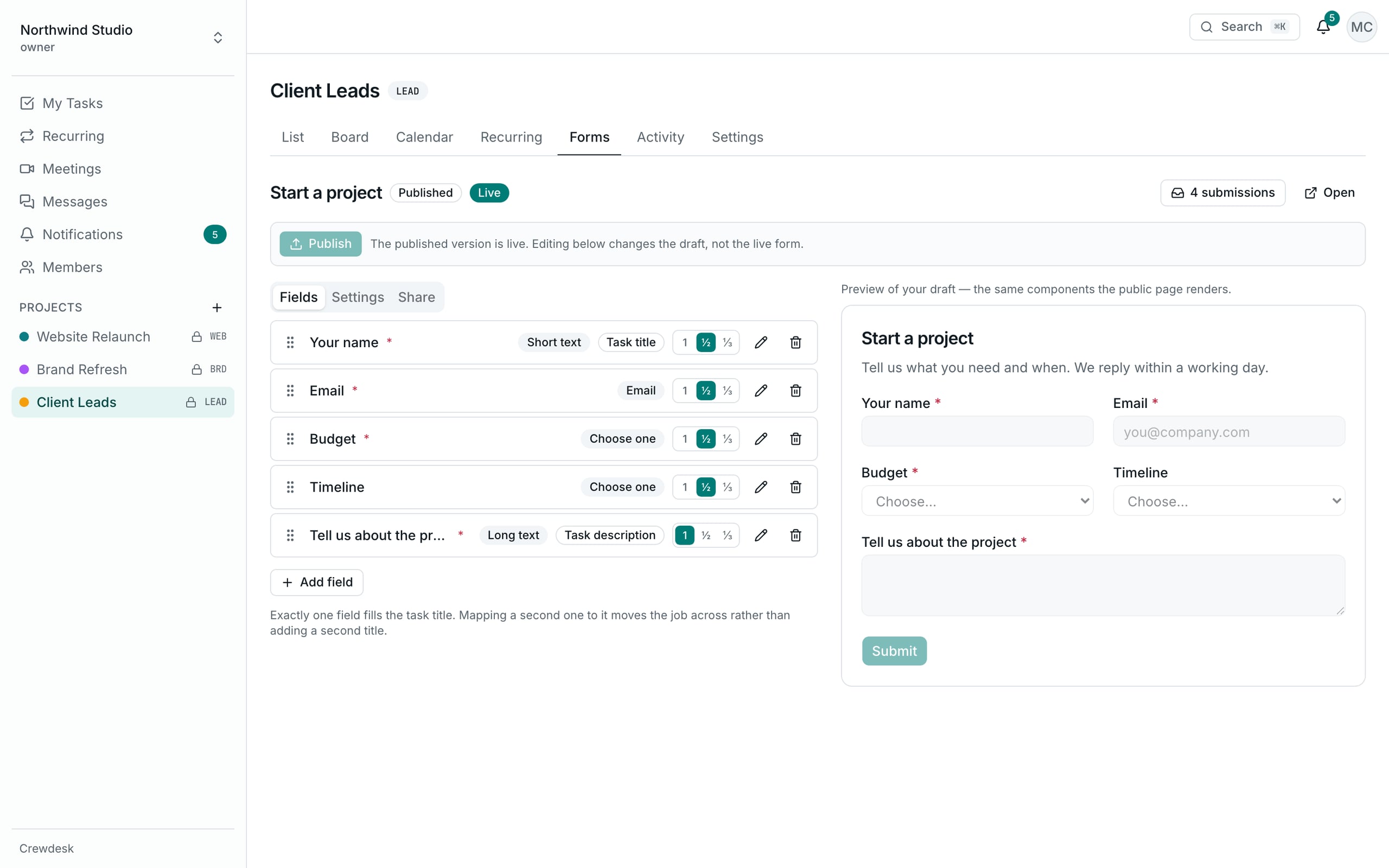
Four steps from visitor to task
- Build the formDrag questions into place. Nothing is public until you press Publish.
- Put it on your siteShare a link, paste an iframe, or use plain HTML you can style.
- Leads land on your boardEach submission becomes a task in the column you chose.
- Work them as a teamAssign, label and discuss it like any other task.
Build it like you'd sketch it
Drag fields into order and set any of them to half or third width. Your draft and your live form are separate, so editing never changes what visitors see until you publish.
- Full, half and third-width fields
- Draft and published versions kept apart
- On narrow screens, the columns stack on their own
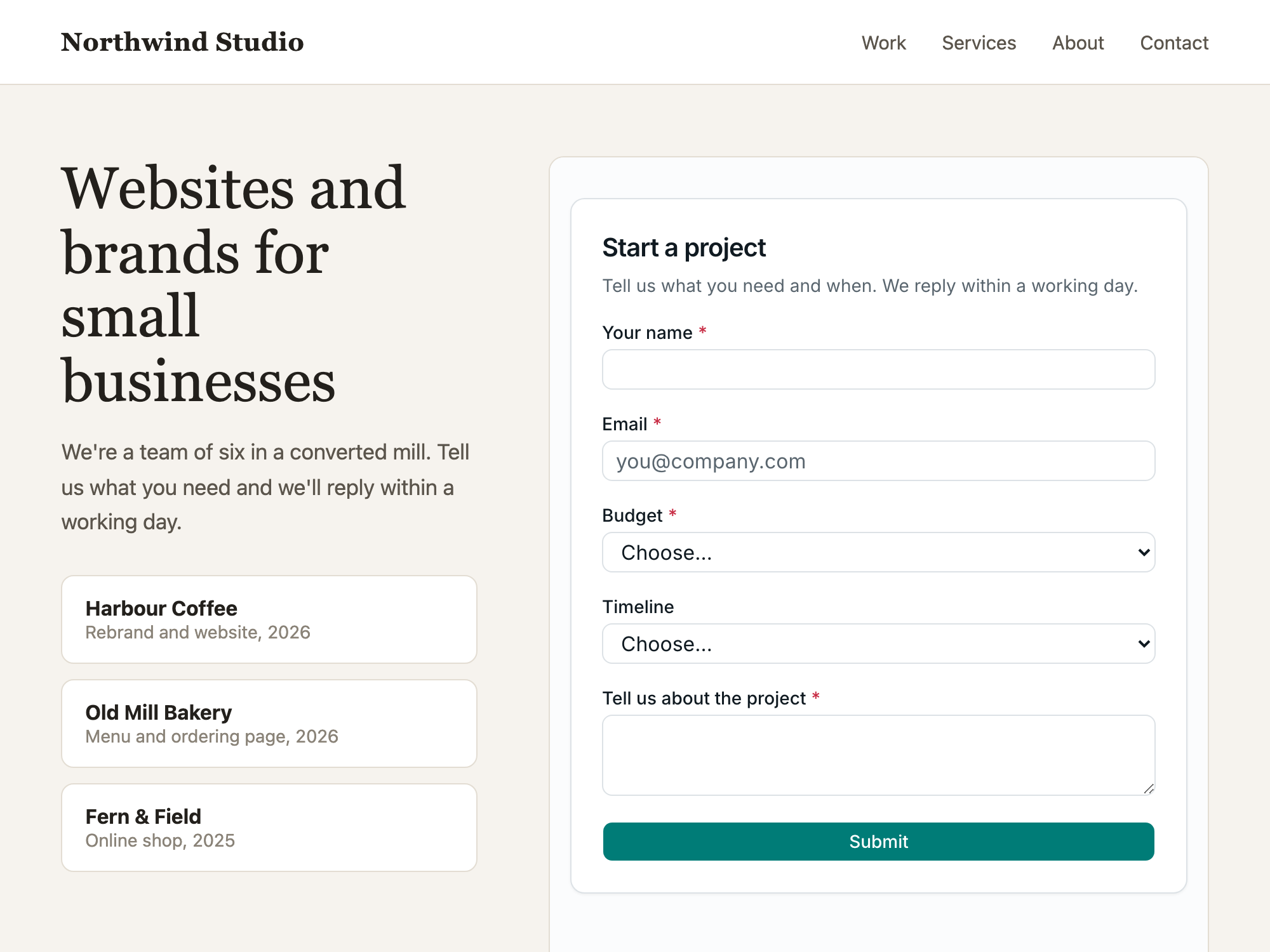
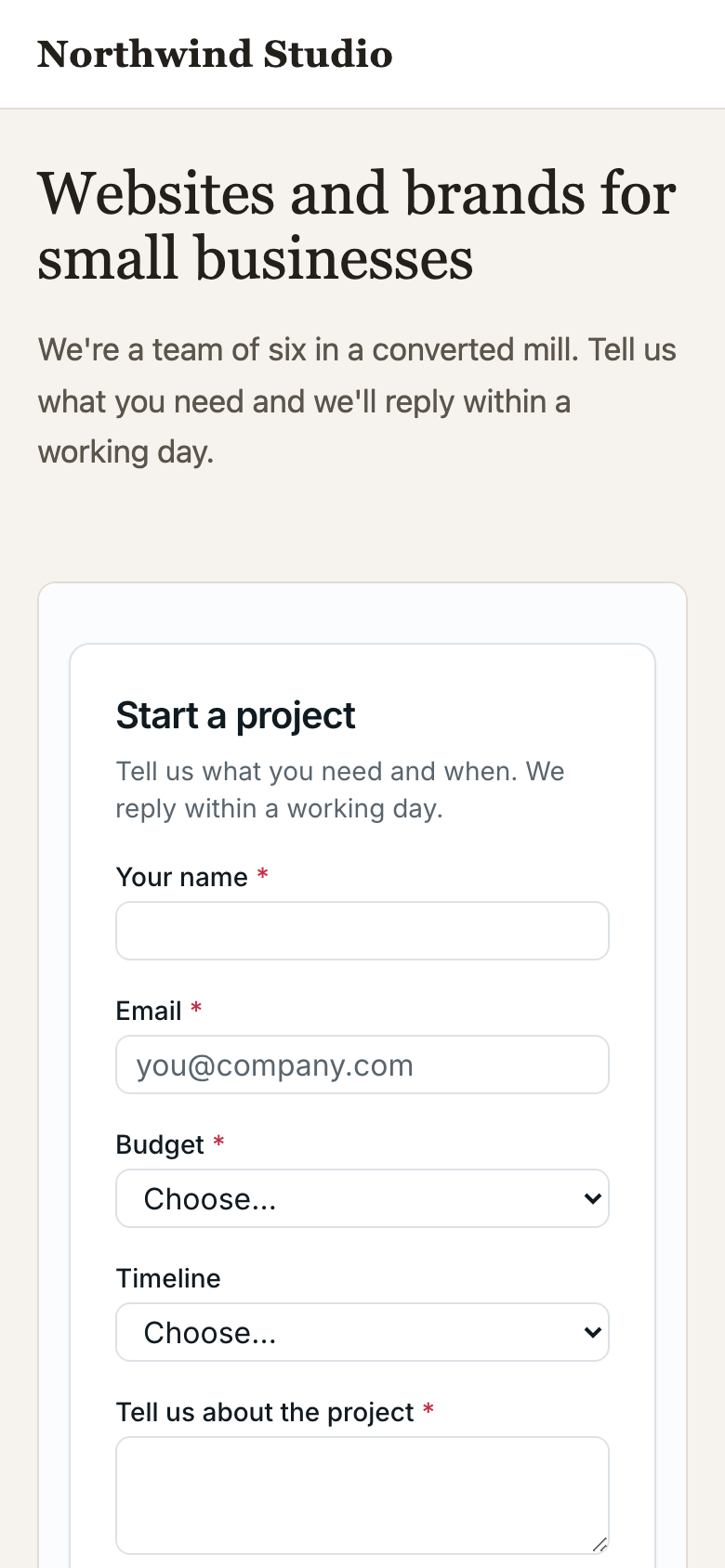
Four ways onto your website
Pick whatever suits your site. The first two need no code at all.
A link
Share the hosted form anywhere: a button, an email, a social post.
An iframe
Paste one snippet and the form appears inside your page.
Plain HTML
The form as plain HTML you can restyle to match your site completely.
HTML that stays on the page
The same HTML with a small script, so visitors see the result without leaving.
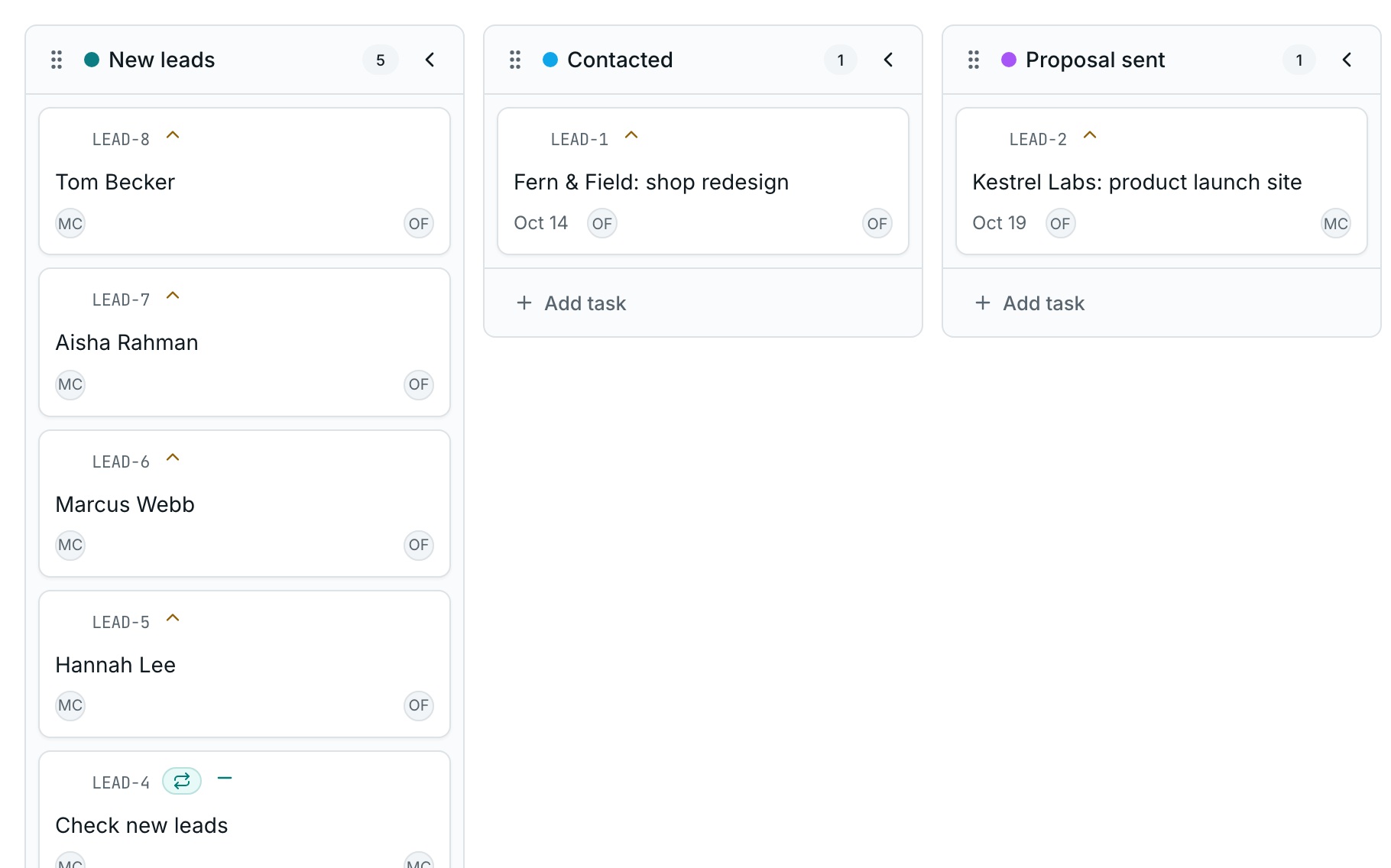
Every lead is a task from the first second
The answers go into the task's description and the sender's details onto the record. The task is marked “Created via form”, so nobody mistakes it for their own, and your admins are notified.
The parts you'd otherwise have to bolt on
Spam protection
A hidden honeypot field and a limit on how often one address can submit.
Optional email
Require an email address when you need a way to reply, or leave it optional.
CSV export
Download every submission, with the questions exactly as they were asked.
No account for visitors
People filling in your form never need to sign up or sign in.
Your next lead could be a task in a minute
Free during early access. No card required.
Build your first form