Talk it through, face to face
Start an audio call or a video meeting from any channel in the web app, or schedule one ahead. No meeting links to paste, no separate app to open.
crewdesks.com
Web app screenshot: A video meeting in progressCaptured with team members who agreed to appear, or with camera tiles off
Start a call where the conversation already is
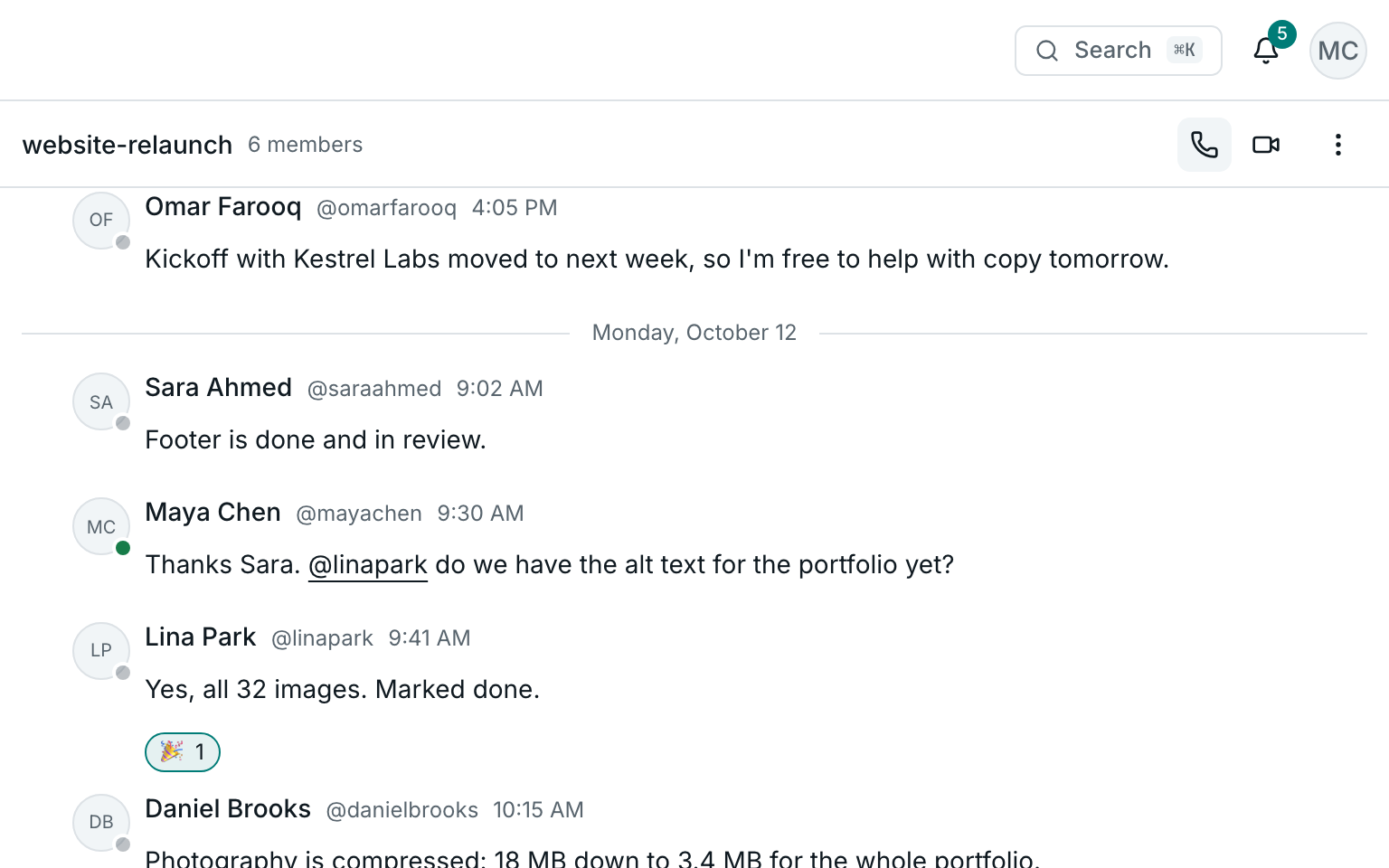
Press the call button in any channel or direct message. A call is as private as the channel it starts in: only its members can join.
- Audio calls and video meetings
- Members are alerted the moment a call starts, even with the browser closed
- Share your screen while others watch
Schedule it, and everyone's reminded
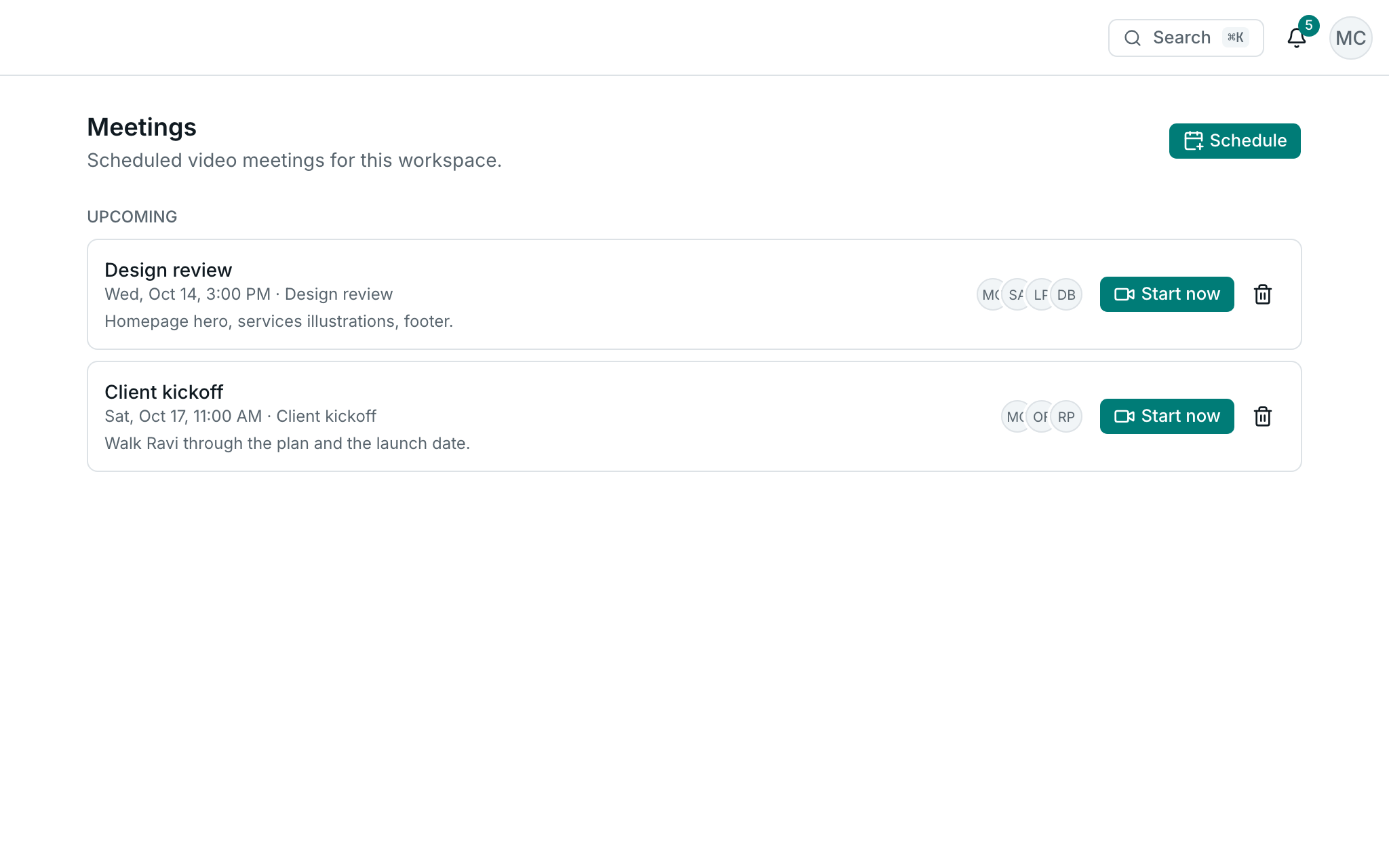
Pick a time and invite people. They're notified straight away, reminded ten minutes before it starts, and join with one click.
Calls and meetings live in the web app
Join from any modern browser on your computer. In the mobile app, a call notification opens the conversation it belongs to.